


🎶 Tis the ris-kiest time of the year 🎵
You want to add some festive snowflakes to your application as a whimsical holiday touch. Your product manager disagrees. It would be ironic if snowflakes caused an incident during the holiday code freeze. Fortunately, your company uses LaunchDarkly. With the combination of feature flags and observability, you can make the styling change without a deploy, roll it back easily if there is a problem, and use distributed tracing to understand any potential impact on performance. Best of all, you can do all this quickly enough that your hot chocolate won’t even get cold. Let’s get started.🎄 Prerequisites
- A dev environment with Node.js, npm, and a terminal installed
- A LaunchDarkly account with observability enabled. Sign up for a free trial here.
🇨🇽 Creating a feature flag
First, you’ll need to create a feature flag. Log in to the LaunchDarkly app and create a boolean feature flag named “show-holiday-styling.” The LaunchDarkly docs for creating a feature flag are always up to date if you have any trouble. Leave the LaunchDarkly app open in a tab. We’ll come back to it later. Copy the SDK key for the environment you are using, as you’ll need that in a minute. It might be a Test environment, or Production if you live dangerously.☃️ Getting started
In a terminal, clone the example repo using the following command:.env.example file to .env. Add the SDK key you saved in the previous step. Save the file.
Run these commands to install dependencies and start the server:
🎁 Unwrapping the code
What is this app doing? Let’s break it down. Let’s skip the Express boilerplate and imports, focusing on the interesting bits.Observability plugin. Adding the serviceName lets us differentiate data between different services that might be running in the same environment.
Inside the root route, we start our observability span:
.variation call helps our server know what flag variation to serve in that case.
🏁 Enabling the feature flag to add holiday styling
Back in the LaunchDarkly app, enable the flag so thatshow-holiday-styling servestrue for all traffic.
Now, if you reload http://localhost:3000, you should see a colorful holiday page with animated snowflakes. If you don’t, double-check that your SDK key and flag name are correct, and that you are using the SDK key that corresponds with the right LaunchDarkly project and environment.
There is a way to set up your app so that flag changes don’t require a reload, but that’s out of scope for this tutorial.
If you go to the Observability section of the LaunchDarkly dashboard, you should be able to see a trace for each page load. It will look something like this:
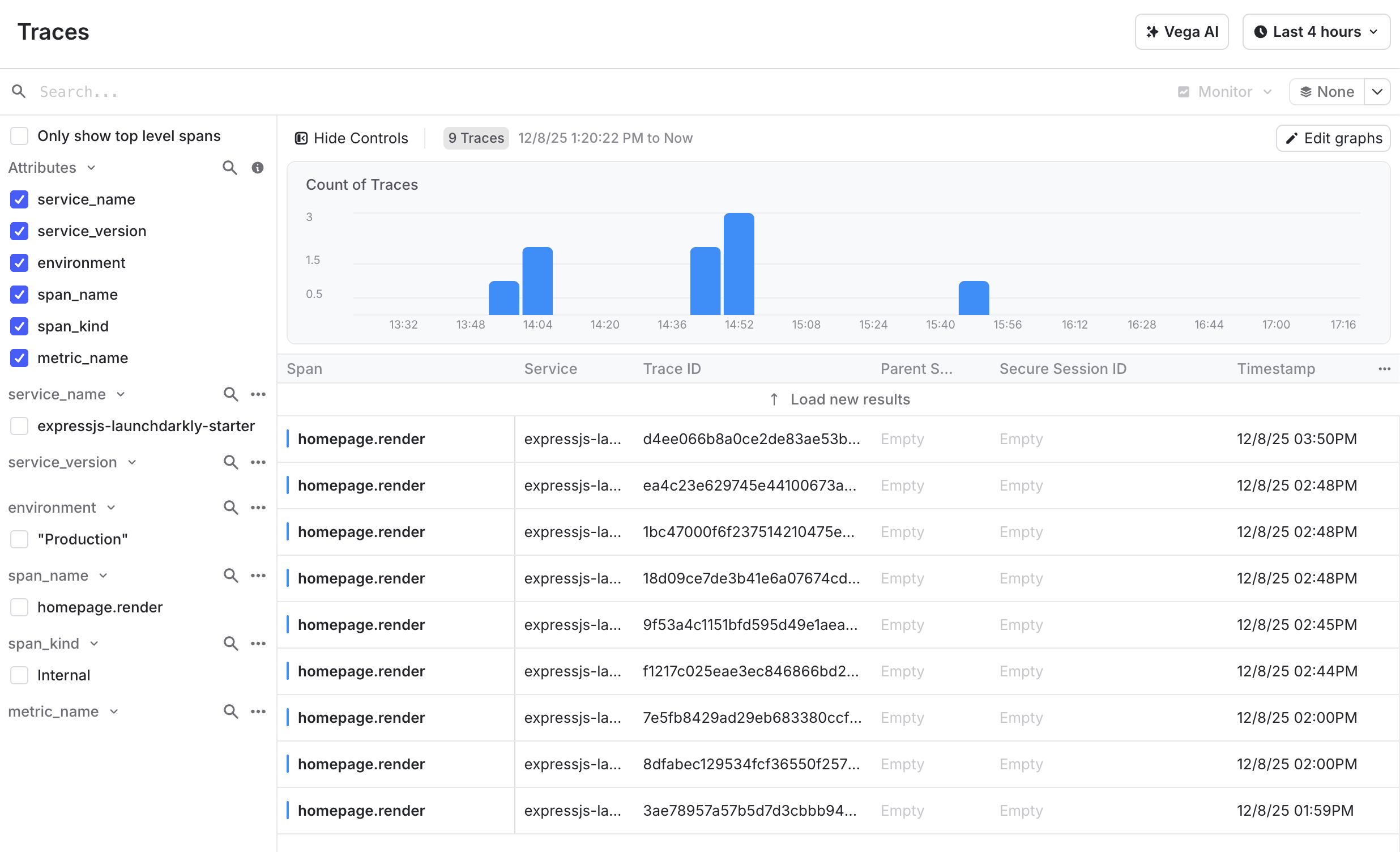
Screenshot of the traces UI from the LaunchDarkly app.
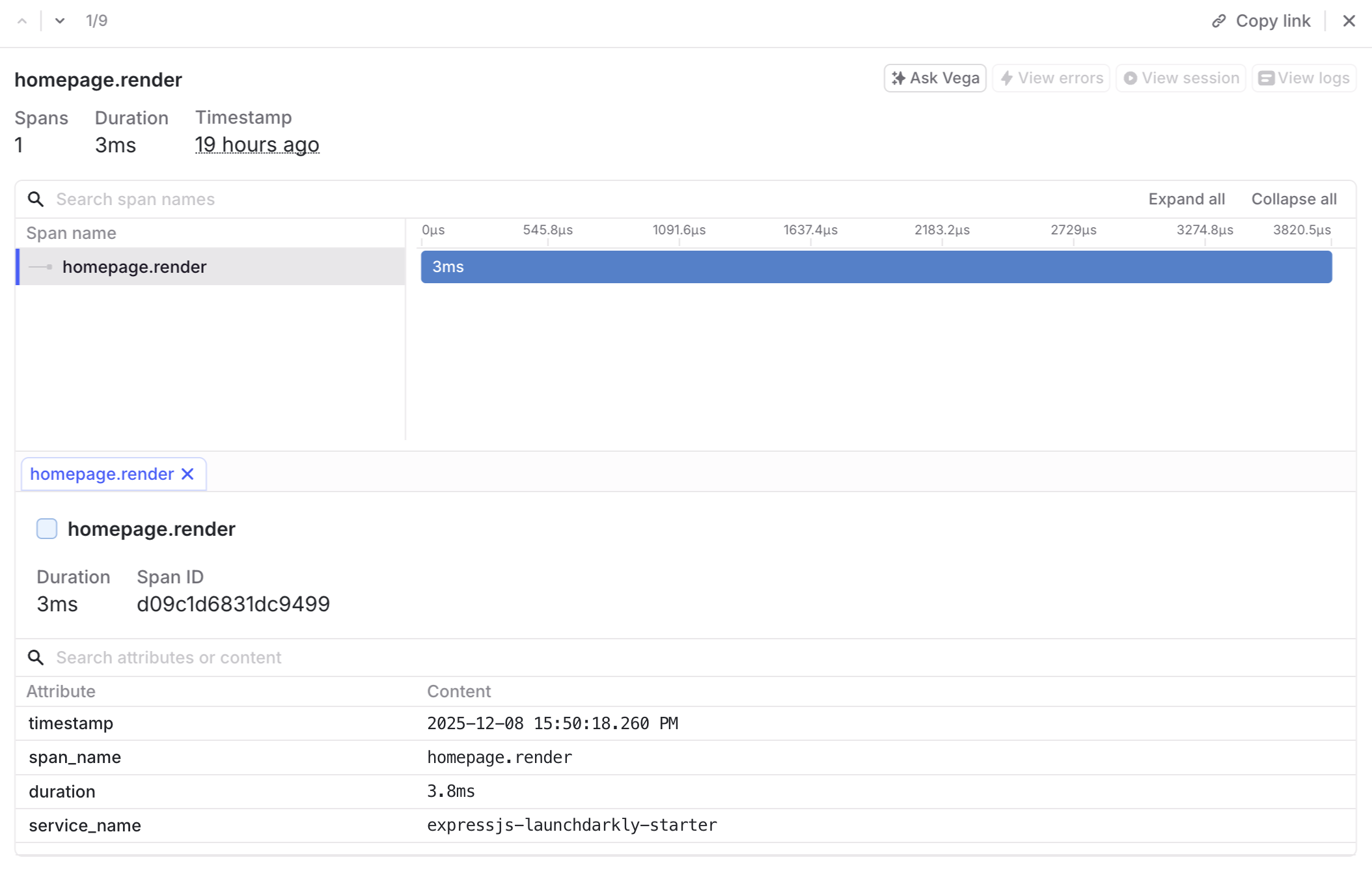
Screenshot of a trace detail UI from the LaunchDarkly app.