


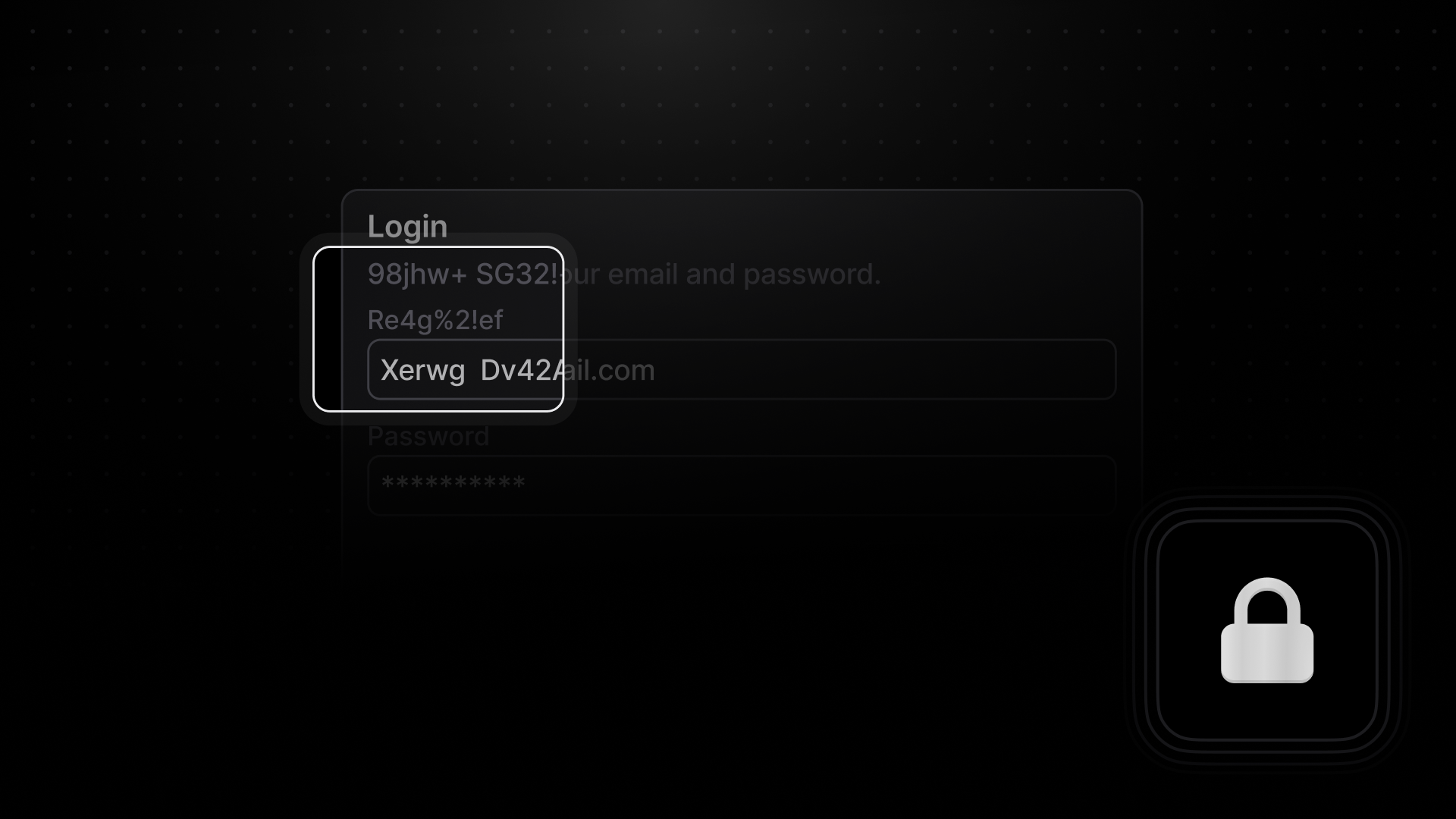
Cover image for the revamped default privacy mode feature in LaunchDarkly.
<h1>Hello World</h1> as <h1>1f0eqo jw02d</h1>.
Previously, this mode was all or nothing, and there was little support to intelligently hide your
personal information. Today we’re excited to announce “default” privacy mode. As the name
suggests, this mode will be enabled by default on SDK versions 8.0.0 and later. Default mode
offers a smart level of privacy by obfuscating text that matches names and patterns associated with
common personal identifiable information.
Example of default privacy mode obfuscating personal identifiable information in the DOM.
UserId
matches a long number regex expression, designed to catch phone numbers. We expect this to
over-obfuscate certain texts, since there is no context being used to determine the “identifiable”
aspect of data. Determining context is difficult to do in real time, but an improvement area we are
looking into. Second, text broken up by different elements may not be obfuscated, despite the overall
text being recognized by a regex expression. For example: