// Add the code below to your main.js file.import { createApp } from 'vue';import App from './App.vue';import { LDPlugin } from 'launchdarkly-vue-client-sdk';const app = createApp(App);// A "context" is a data object representing users, devices, organizations, and other entities.const context = { kind: 'user', key: 'EXAMPLE_CONTEXT_KEY', name: 'Sandy',};app.use(LDPlugin, { clientSideID: 'YOUR_CLIENT_SIDE_ID', context: context});app.mount('#app');
Finding your SDK credentials
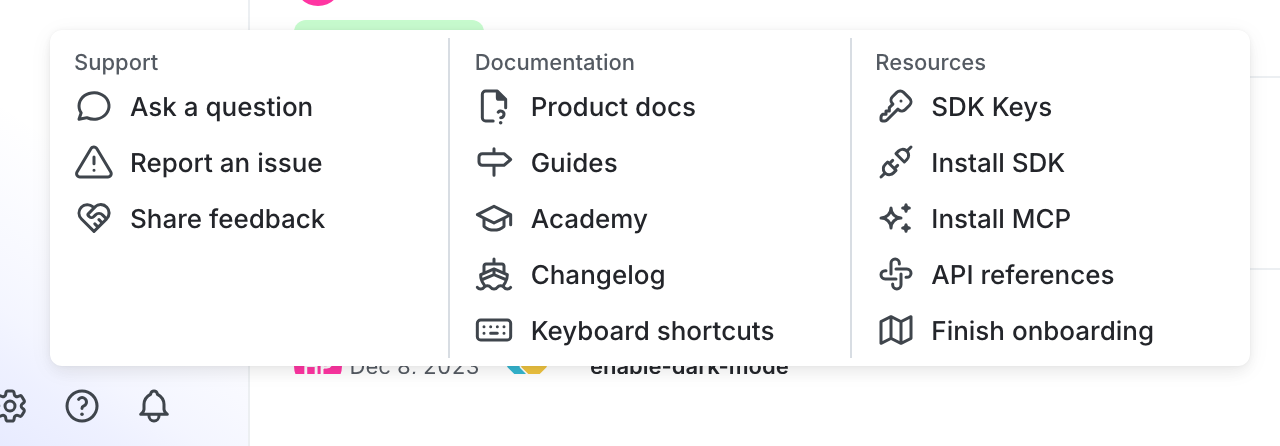
You can find your server-side SDK key, client-side ID, and mobile key in the “Resources” section of the help menu. Click the help icon at the bottom left corner of the LaunchDarkly UI, then choose SDK keys: