import osimport ldclientfrom ldclient import Contextfrom ldclient.config import Configif __name__ == '__main__': # Set your LaunchDarkly SDK key. # This is inlined as example only for onboarding. # Never hardcode your SDK key in production. ldclient.set_config(Config('YOUR_SDK_KEY')) if not ldclient.get().is_initialized(): print('SDK failed to initialize') exit() # For onboarding purposes only we flush events as soon as # possible so we quickly detect your connection. # You don't have to do this in practice because events are automatically flushed. ldclient.get().flush() print('SDK successfully initialized')
Finding your SDK credentials
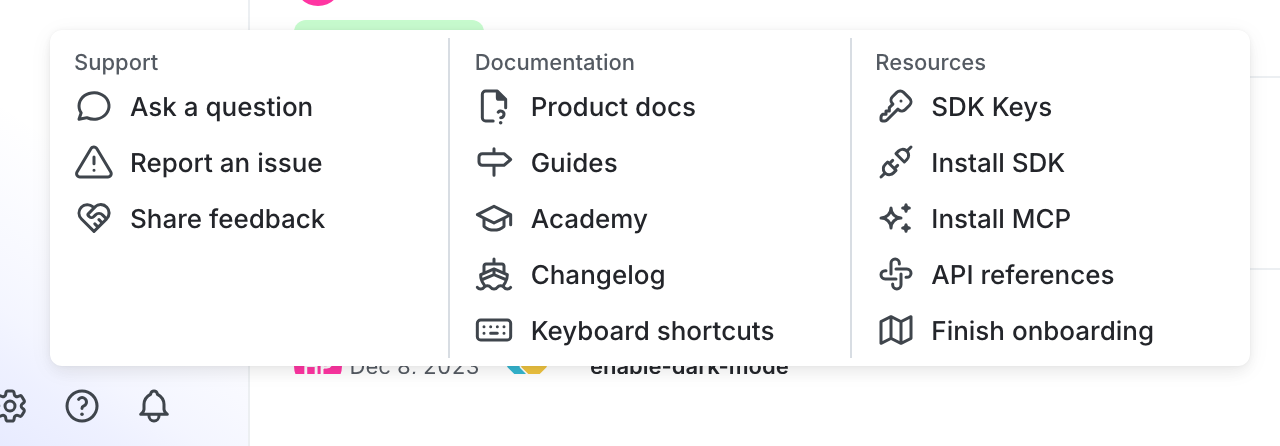
You can find your server-side SDK key, client-side ID, and mobile key in the “Resources” section of the help menu. Click the help icon at the bottom left corner of the LaunchDarkly UI, then choose SDK keys: