

Overview
This topic describes project settings and how to update them.Available project settings
The following table describes the various project settings that you can update: | Project settings
| --- |
|
General
|
- Update the project’s
Name. - Update the project’s tags.
- Delete the project.
Views
|
- Create, edit, or delete views in this project. To learn more, read Views.
Environments
|
- Create, edit, or delete environments in this project. To learn more, read Environments.
Flag settings
|
- Update the Client-side availability of flags in this project.
- Update the Flag key conventions for this project.
- Update the Flag templates for flags in this project.
Release pipelines
|
- Create, edit, or delete release pipelines in this project. To learn more, read Release pipelines.
Context kinds
|
- Create, edit, or delete context kinds in this project. To learn more, read Context kinds.
AI model configs
|
- Create and delete AI model configurations in this project. To learn more, read Create AI model configurations.
Approval settings
|
- Require approvals for changes to AI Configs. To learn more, read AI Config approvals.
Observability
|
- Update settings for reviewing sessions and errors. Add ingestion filters for sessions, errors, logs, and traces. To learn more, read Observability settings.
Lifecycle settings
|
- Customize the criteria that LaunchDarkly uses to determine when flags are ready to be archived. To learn more, read Flag lifecycle settings.
Edit projects
- Click the project dropdown. The project menu appears:
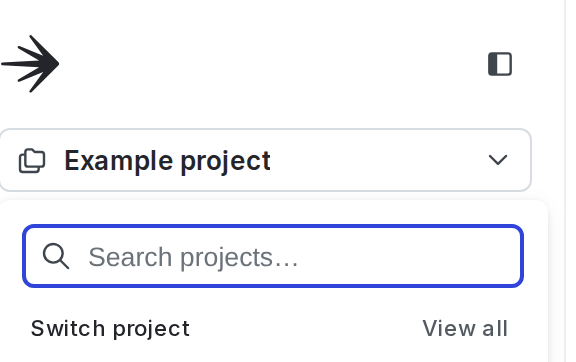
The project menu.
- Select Project settings.
- The General list of project settings appears.
You can also use the REST API: Update project