// A "context" is a data object representing users, devices, organizations, and// other entities. You'll need this later, but you can ignore it for now.const context = { kind: 'user', key: 'EXAMPLE_CONTEXT_KEY'};const client = createClient('YOUR_CLIENT_SIDE_ID', context);client.start();const { status } = await client.waitForInitialization();if (status === 'complete') { console.log('SDK successfully initialized!');} else { console.error('Initialization failed');}
Finding your SDK credentials
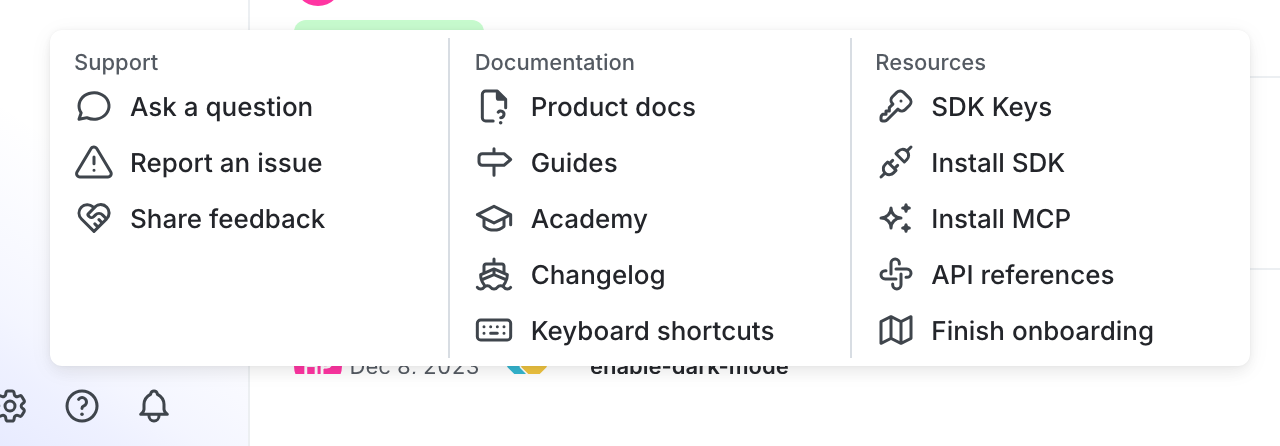
You can find your server-side SDK key, client-side ID, and mobile key in the “Resources” section of the help menu. Click the help icon at the bottom left corner of the LaunchDarkly UI, then choose SDK keys: