

Overview
This topic explains how to set the default rule for a flag. LaunchDarkly defines a final default rule, sometimes called the “fallthrough” rule, for any contexts that don’t match any of the previous targeting rules on the flag. The default rule can be a single variation, a guarded rollout, a progressive rollout, a percentage rollout, or an experiment. Here is an image of a default rule: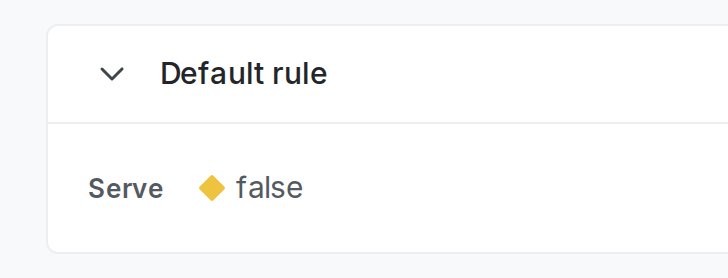
A flag's default rule.
Default rules for new flags
Here is how LaunchDarkly sets the default rule for new flags:- When you create a new boolean flag, the default variation when the flag is on is “true.” You can update this to “false” as part of the flag creation process. You can also change this default to “false” for all new flags using flag templates.
- When you create a new multivariate flag, the default variation when the flag is on is the first variation on the flag. You can update this to any other variation as part of the flag creation process.
Update the default rule
To update a flag’s default rule:- In the flags dashboard, scroll or search to find the flag you want.
- Click the flag’s name to open the flag’s Targeting tab.
- If the flag is off and the rules are hidden, click View targeting rules.
- In the “Default rule” section, click Edit to configure the default rule to serve a specific variation, a rollout, or an experiment.
false.