

Guarded rollouts are available to customers on a Guardian plan. To learn more, read about our pricing. To upgrade your plan, contact Sales.All LaunchDarkly accounts include a limited trial of guarded rollouts. Use this to evaluate the feature in real-world releases.
Overview
This topic explains how to monitor metrics on flag and AI Config releases and configure LaunchDarkly to take action on the results.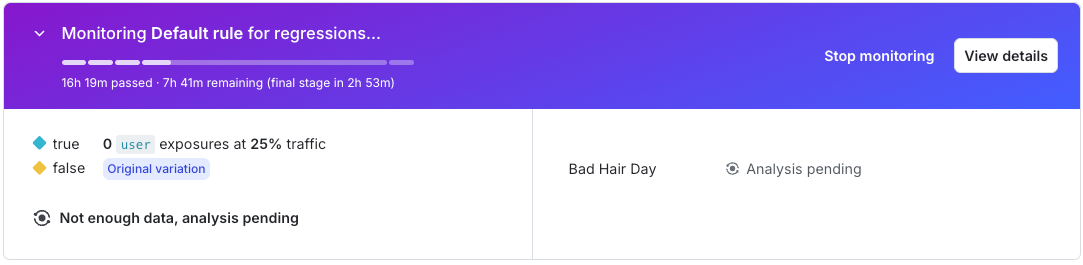
An active guarded rollout on a flag change.
Previous versions of guarded rollouts supported relative difference, which measured change as a percentage relative to the original variation. Guarded rollouts now use absolute difference for all analyses. Relative difference is no longer supported.
A new flag or AI Config variation must be evaluated by a minimum number of contexts during each step of a guarded rollout. If this requirement is not met, LaunchDarkly automatically rolls back the change.
View flags with guarded rollouts
To view flags that currently use or previously used a guarded rollout, click Guarded rollouts in the left navigation. Use the Filters menu to filter the list by rollout status. Navigate to the flag’s Monitoring tab to view and manage the rollout. AI Configs with guarded rollouts do not appear on the Guarded rollouts list.Metrics and guarded rollouts
Metrics track system health indicators and end-user behavior, such as errors, latencies, clicks, and conversions. When you attach metrics to a flag or AI Config change, you can measure how the new variation affects those metrics during the rollout. You can connect metrics to LaunchDarkly in several ways:- Use one of our metrics integrations.
- Call the metric import API.
- Use a LaunchDarkly SDK to send custom events and connect them to metrics.
- Enable OpenTelemetry in a LaunchDarkly SDK and send traces to LaunchDarkly to autogenerate metrics.