

Overview
This topic explains how to view flags across multiple environments. Viewing a flag across multiple environments allows you to compare the targeting, variations served, default values when on, and default off variations of your feature flag.View flags across multiple environments
Viewing a flag across multiple environments allows you to compare the targeting and recent evaluations of your feature flag at a glance. To view a flag across multiple environments:- Navigate to the Flags list.
- Click the + next to your current environment to display the list of environments, and select the environment you want:
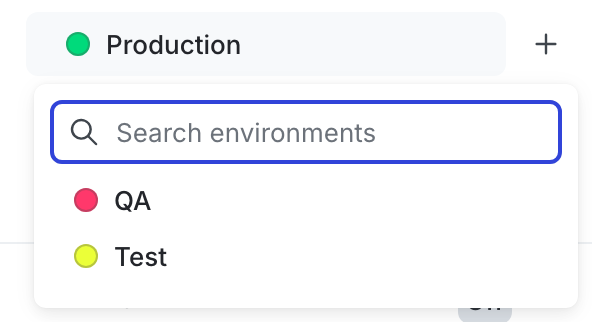
The environment selection menu.
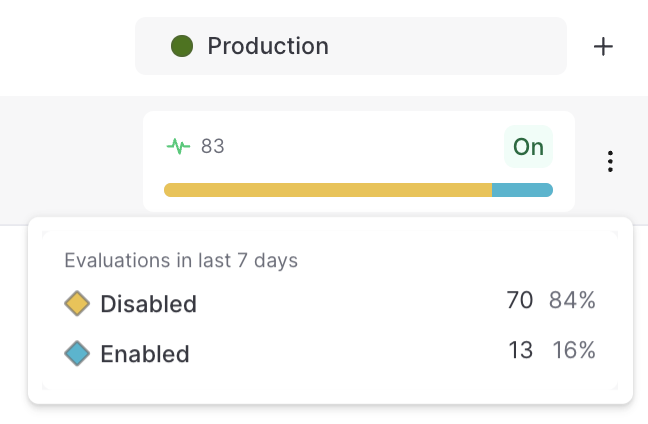
Flag evaluation information available on hover, for the Production environment.
You can also use the REST API: Get flag status across environments