

Overview
This topic explains how to use LaunchDarkly’s observability search feature to query and filter data across your application. The search functionality allows you to find specific sessions, errors, logs, and traces by composing queries with different properties and attributes.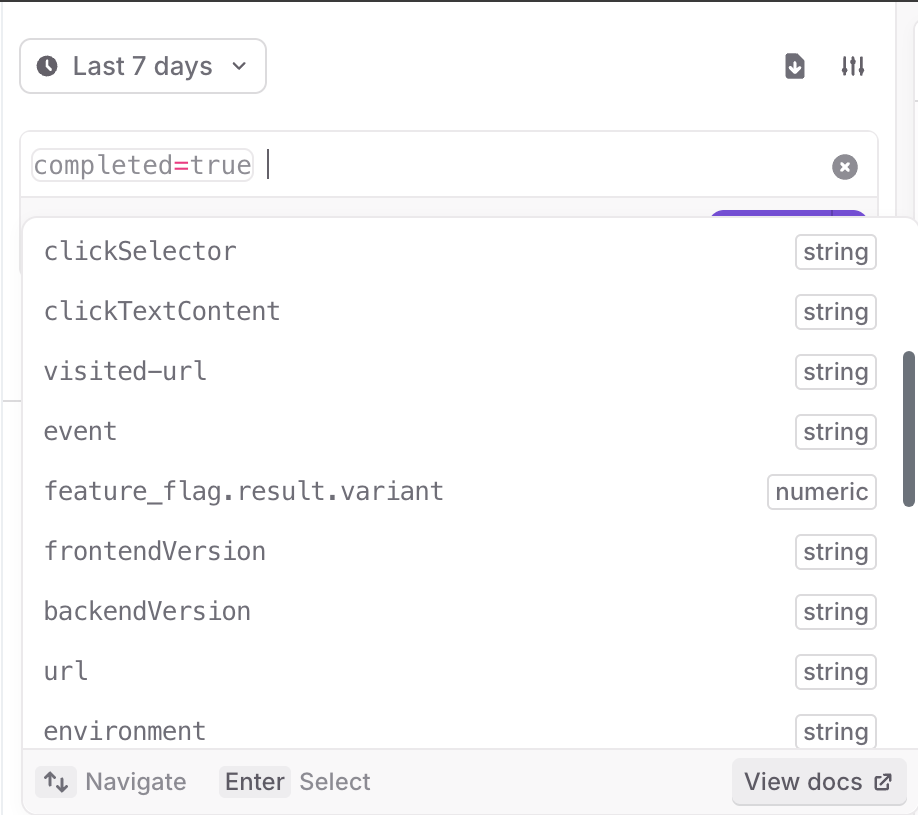
The session replay search pane, with options expanded.
Compose search queries
Compose your search query with one or more expressions. Each expression can be a comparison between a key and a value, or a logical combination of other expressions. Here are some examples of search queries:span_name.
Keys and values
Keys are identifiers, which can include any combination of alphanumeric characters, underscores (_), periods (.), dashes (-), and wildcards, which are indicated by asterisks (*).
Values are strings with any character. To use spaces or special characters, you must enclose the string in quotes (", ').
You can use wildcards (*) in values to match on part of a pattern. For example:
span_name=gorm.*matches allspan_namevalues that start withgorm.span_name=*.Querymatches allspan_namevalues that end with.Queryspan_name=*orm*matches all values that containorm
Regex expressions
You can search with regex expressions by using the matches query operator:=\[your regex here]\. For example:
clickTextContent=/\w.+\w/matches allclickTextContentthat start and end with any wordbrowser_version=/\d\.\d\.\d/matches allbrowser_versionsin the form [0-9].[0-9].[0-9]
tag="/\w \w/"visited-url="/https://app.launchdarkly.com/\d/.+/"
Comparisons
Use operators to compare two different elements in your search query. The following operators are supported:=: Equals!=: Does not equal<: Less than<=: Less than or equal to>: Greater than>=: Greater than or equal to
Exist and does not exist
You can search if a key exists or does not exist with theexists operator. For example, to return all the traces with a connected session, use the following query:
exists also works with the not keyword. For example, when you only want the root level spans when searching traces, use this query:
AND, OR, and NOT:
AND: Both expressions must be trueOR: At least one of the expressions must be trueNOT: The following expression must be false
AND unless you specify OR. For example:
( AND ) to group values in an expression. For example: