

Overview
This topic explains how to create scheduled flag changes to take effect at a date in the future.Create scheduled flag changes
To schedule a set of flag changes:- Navigate to the Flags list and select the flag for which you want to schedule targeting changes. The flag’s Targeting tab appears.
- Make the changes you want to the flag’s targeting.
- Click Review and save. The “Save changes” dialog appears.
- Click the calendar icon.
- Select a Date and Time.
- Click Update.
- If your environment requires approvals for flag changes, choose one or more reviewers from the Reviewer(s) menu.
- (Optional) Add a Comment describing the changes.
- Click Schedule changes.
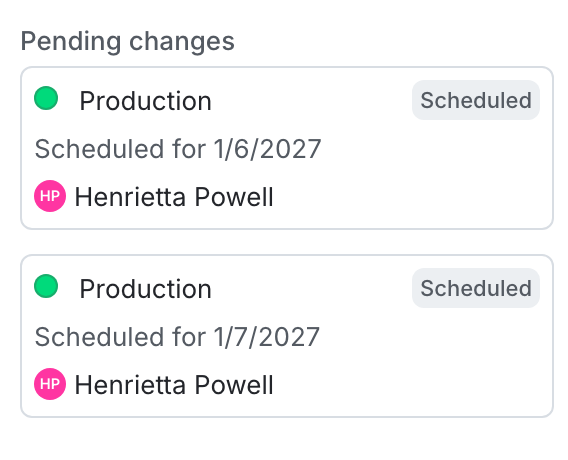
A flag with multiple changes scheduled.
You can also use the REST API: Create scheduled changes workflow.