

Engineering insights is only available to customers on select plans. To learn more, read about our pricing. To upgrade your plan, contact Sales.
Overview
This topic explains how to set up projects, environments, and applications, and begin using engineering insights.Concepts
You should understand the following concepts before you set up your project summary page.Projects and environments
Engineering insights uses all the same projects and environments that you’ve already set up as part of your feature management. Projects let you manage multiple different business objectives from one LaunchDarkly account. Environments are organizational units contained within projects. They allow you to manage your feature flags throughout your development lifecycle. To learn more, read Projects and Environments.Applications
Applications are a part of your codebase for which you want to track deployments. Applications usually correspond to a single repository in your version control system. To learn more, read Applications in Engineering insights.Get started
To get started, first reach out to your LaunchDarkly account representative and confirm that engineering insights is enabled for your account. To open engineering insights, click the gear icon in the left navigation to view Organization settings. Then choose Engineering insights from the left navigation.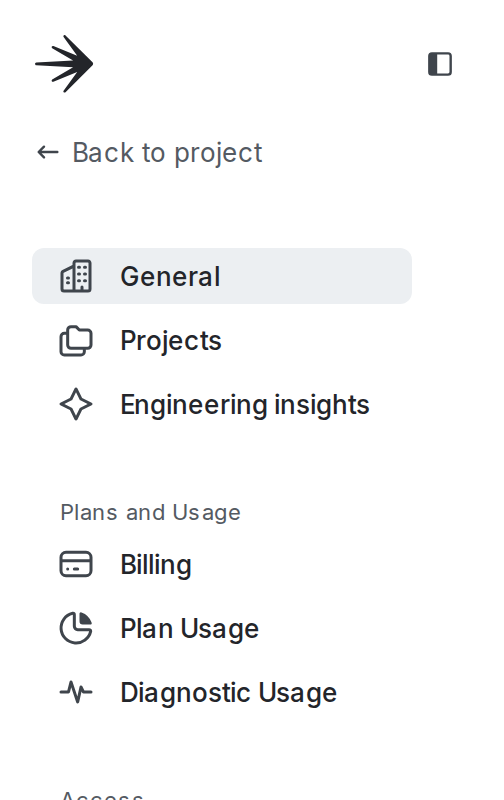
"Engineering insights" in the left navigation of the LaunchDarkly user interface.
- click Get started in the lower right corner and select a configuration step, or
- click your profile picture and select “Configure metrics.”The configuration instructions guide you through configuring deployment information, installing the GitHub app, and setting up code references:
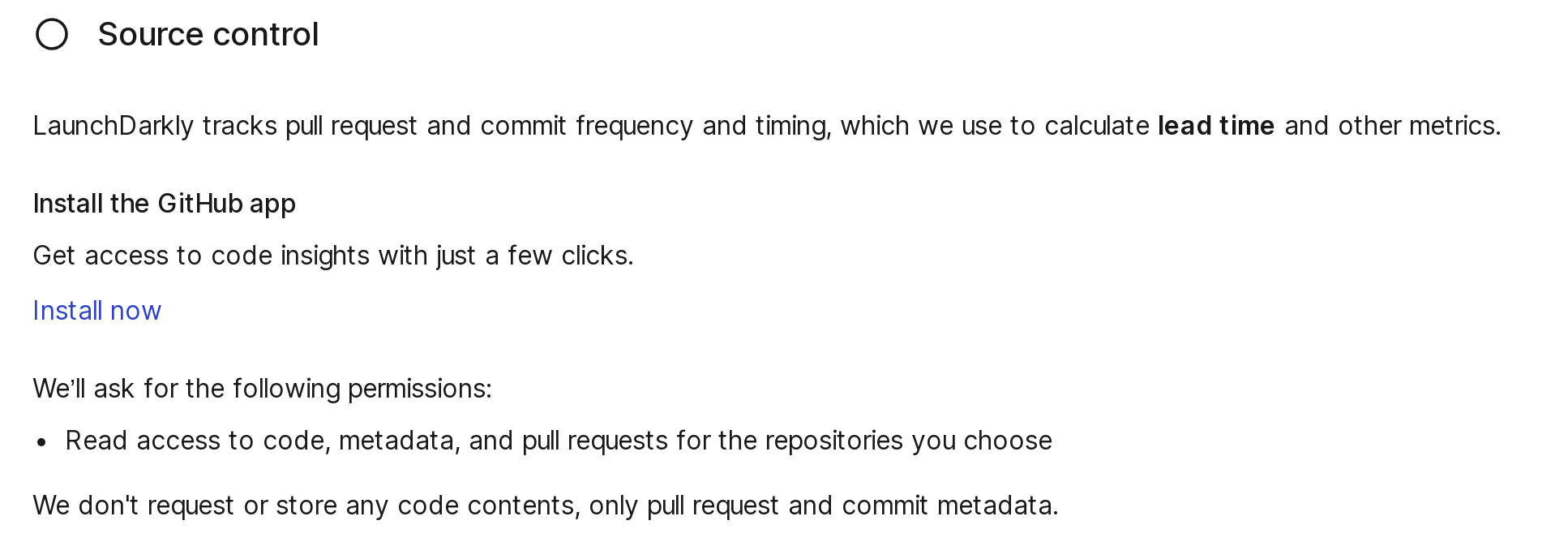
The "Configuration" dialog.
- Send deployment information to LaunchDarkly
- Install the GitHub app
- Set up code referencesAfter you complete these steps, you can confirm your setup.
Confirm your setup
To confirm you have set up everything correctly:- Check for data on the Deployments page. After you have set up and sent at least one deployment event, the deployment frequency chart and the deployments table will start filling with data.
- Check for data on the Lead time page. After you have set up the GitHub app, LaunchDarkly will start receiving commit and pull request (PR) information for all future PRs. LaunchDarkly will also backfill events for the last 90 days, although this can take up to 24 hours to complete. The lead time chart and the pull requests list will start filling with data.