

Overview
This topic explains how to delete release pipelines.Delete release pipelines
You can only delete release pipelines that do not have any active releases. If there are any flags in any phase of a release pipeline, you cannot delete the pipeline. To delete a release pipeline:- Navigate to Release assistant. The default release pipeline and its releases appear.
- Click the release pipeline name, and select Manage release pipelines. The release pipelines list appears.
- Click the three-dot overflow menu next to the release pipeline you want to delete and select Delete.
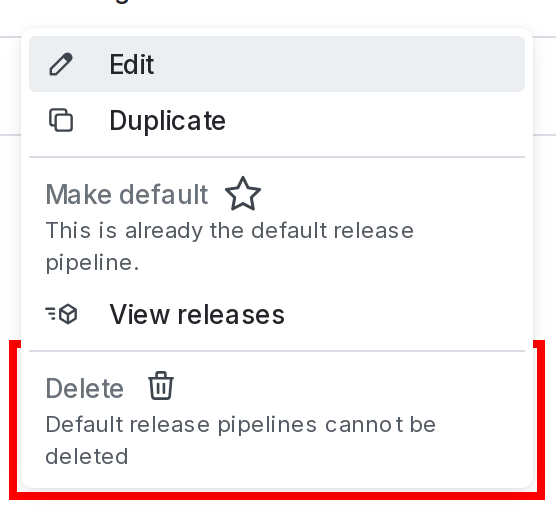
The "Delete release pipeline" option.
- Enter the pipeline’s name or key to confirm.
- Click Delete.
You can also use the REST API: Delete release pipeline