> ## Documentation Index
> Fetch the complete documentation index at: https://launchdarkly-preview.mintlify.site/llms.txt
> Use this file to discover all available pages before exploring further.
# Filtering experiment results
> This topic explains how to use attribute filters to narrow experiment results by attribute.
> For the complete documentation index, see [llms.txt](/llms.txt). For the full documentation snapshot, see [llms-full.txt](/llms-full.txt).
## Overview
This topic explains how to use attribute filters to narrow experiment results by attribute.
Attribute filters allow you to analyze your experiment results by certain cross-sections of your experiment audience using [context attributes](/home/flags/context-attributes).
For example, if you wanted to view only results from users within Canada, you might narrow your results by users with a "Country" attribute value of `Canada`.
## Add attribute filters
To filter results by attribute, you can add attributes in the "Select metrics" step when you create an experiment. To learn how, read [Creating experiments](/home/experimentation/create). You can then filter your results by the different values of one of those attributes.
You can also add attributes to an existing experiment from its **Results** tab. Here's how:
1. Navigate to your experiment's **Results** tab.
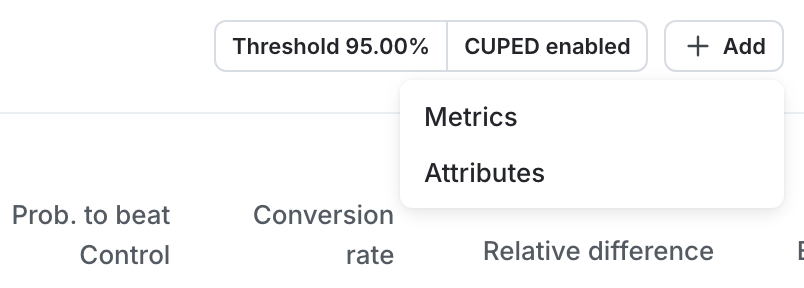
2. Scroll to the results table and click **Add**.
3. Select **Attributes**. An "Add attributes" dialog appears, with any eligible and ineligible attributes listed.
4. Select any eligible attributes you want to view.
5. Click **Add attributes**.
You can add attributes to running experiment iterations created on or after September 30,
2025. You cannot add attributes to any running experiment iterations started before this date.
You can now filter your experiment results by these attributes.
## View filtered results
To filter experiment results by attribute:
1. Navigate to your experiment's **Results** tab.
2. Above the results table, click **All attributes**. A menu of attributes appears.
3. Hover on an attribute from the menu. A list of attribute values appears.
4. Check the box next to any attribute value you want to narrow your results by.
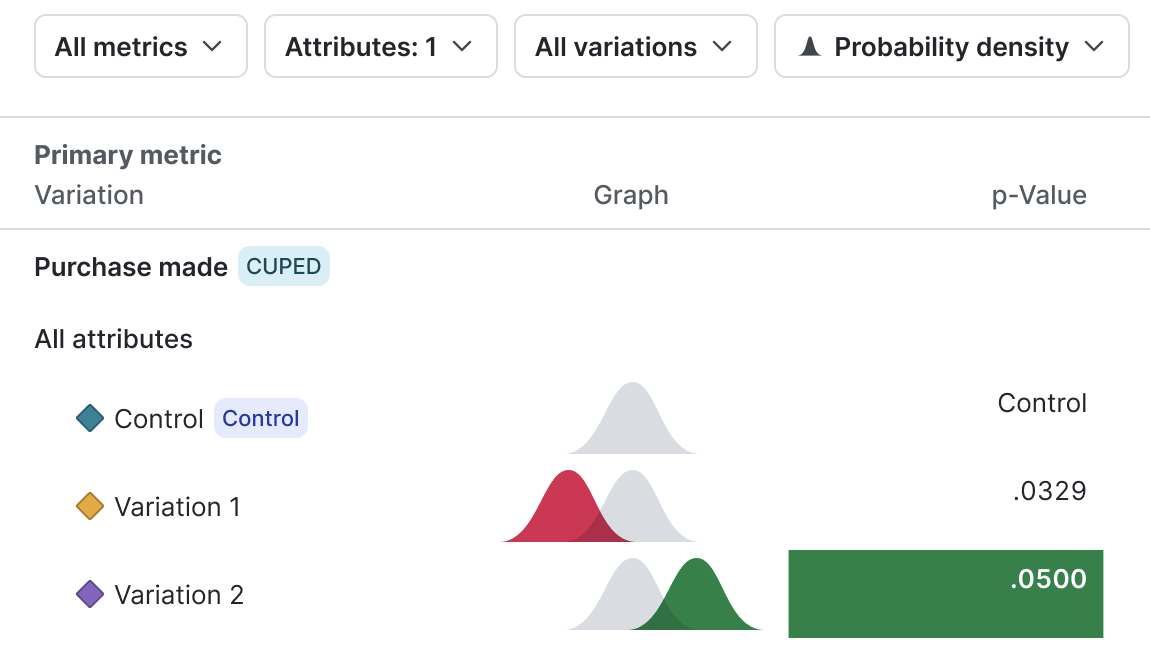
The graph updates to display results from only contexts with the attribute value you selected:
Private attributes and contexts with the `anonymous` property set to `true` are not available for data filtering. Private attributes and anonymous context attributes do not appear in the "Attribute filters" menus.
}
iconPosition="left"
>
Configure your SDK: [Context configuration](/sdk/features/context-config)