> ## Documentation Index
> Fetch the complete documentation index at: https://launchdarkly-preview.mintlify.site/llms.txt
> Use this file to discover all available pages before exploring further.
# Delete environments
> This topic explains how to delete environments in LaunchDarkly.
> For the complete documentation index, see [llms.txt](/llms.txt). For the full documentation snapshot, see [llms-full.txt](/llms-full.txt).
## Overview
This topic explains how to delete environments in LaunchDarkly.
## Delete environments
You can delete an environment when you are no longer using it. Delete with caution, as deleting an environment is permanent.
To delete an environment:
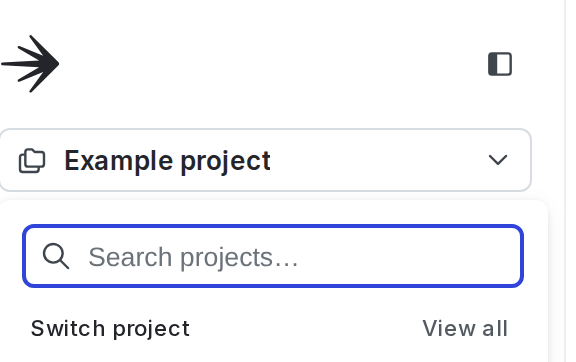
1. Click the project dropdown. The project menu appears:
2. Select **Project settings**.
3. Select **Environments**. The **Environments** list appears.
4. Click the **overflow menu** for the environment.
5. Select **Delete environment**. A "Delete environment?" dialog appears.
6. Enter the name or key of your environment in the confirmation field.
7. Click **Delete**.
Your environment is now deleted.
You can also use the REST API: [Delete environment](/api-reference/environments/delete-environment)